

Available for iOS and Android

Stay in touch. Without the pressure.

LoopLeaf helps you stay connected with the people who matter to you, with gentle reminders, message ideas, and room for days when you have less energy.

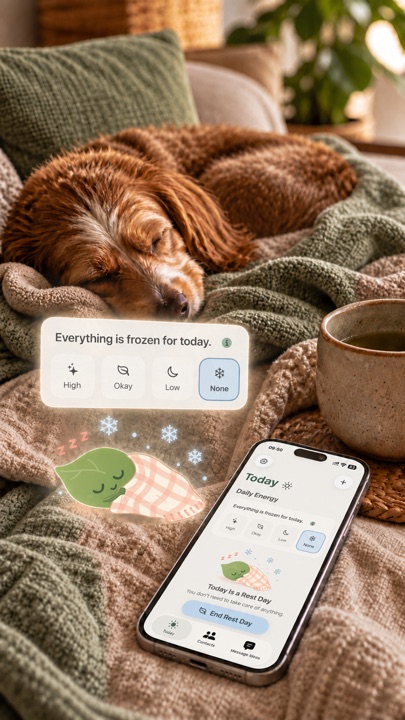
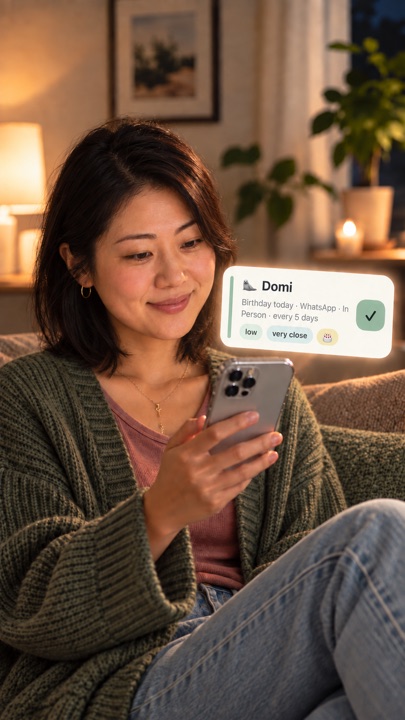
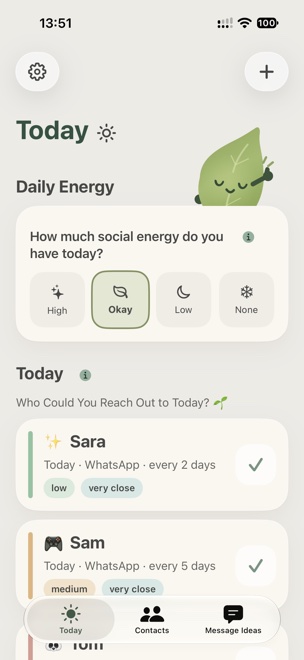
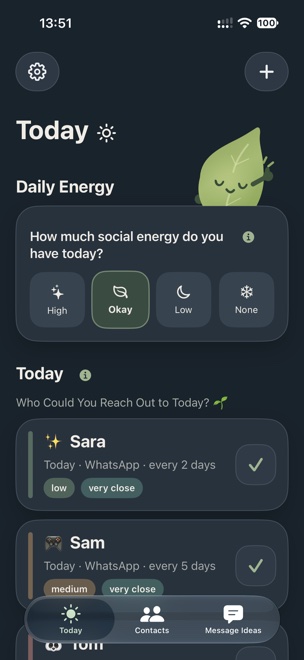
LoopLeaf on an iPhone, showing the Today screen with daily energy options and contact cards. LoopLeaf on an iPhone, showing the Today screen with daily energy options and contact cards.

For those days when you have a lot on your mind.

Sometimes you think of someone. Then everyday life gets in the way, and the message goes unwritten. LoopLeaf helps you stay connected with the people you care about, without adding another stressful to-do list to your day.

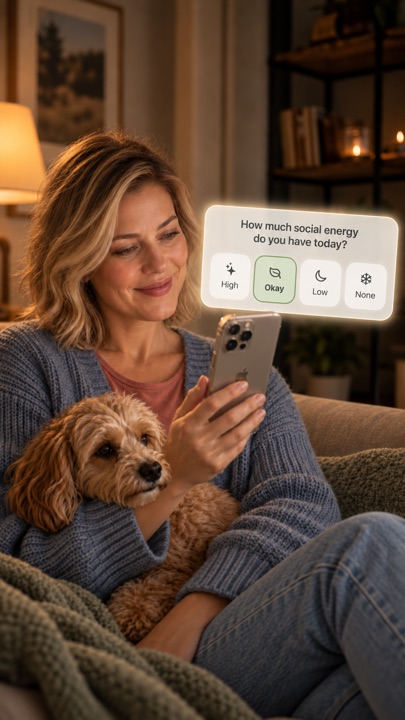
You choose who to add and how often you’d like a reminder. Just let LoopLeaf know how much energy you have today.

A woman relaxing on the couch with her dog, looking at her phone.

A little clarity. A little less overwhelm.

A cozy app that helps you stay connected.

LoopLeaf helps you stay connected with the people who matter to you. Without pressure or guilt.

01

Add the people who matter to you

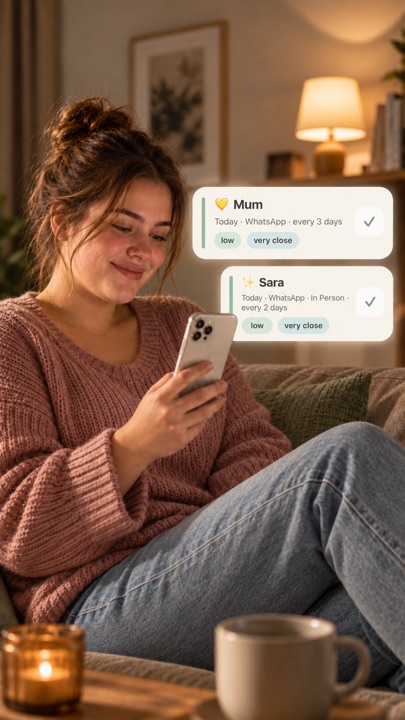
Choose how you’d like to stay in touch and how often. Add how much social energy it usually takes and how close you feel to each person.

These details help LoopLeaf organize your contacts around your social energy.
02

Check in with your energy

Let LoopLeaf know how much social energy you have today. Your contacts are then sorted to match.

03

Take a rest day

If you don’t have the energy to reach out today, you can freeze the day. Pick things up again when you feel ready.

04

A quick check‑in counts

Even a quick check-in counts. When you log one, the interval for that contact starts over.

05

Find the words to reach out

Sometimes reaching out feels hard, even when you want to.

LoopLeaf offers message ideas you can copy, make your own, share through messaging and other apps, or simply use for inspiration.

You can also create your own message ideas.

06

A gentle nudge

LoopLeaf can remind you to check in and see who you might want to reach out to. Choose one or two reminders a day in Settings, or turn them off entirely.

07

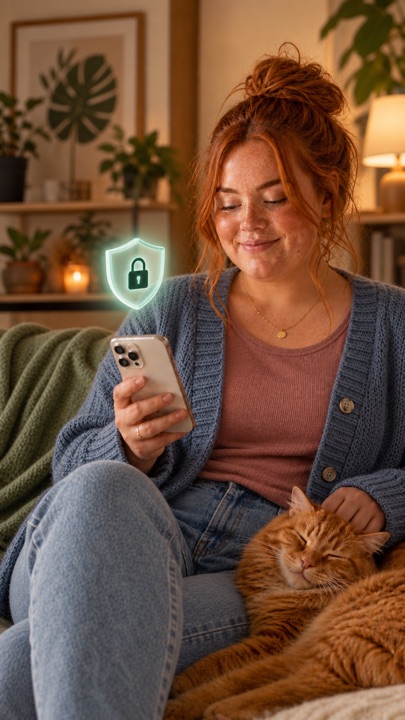
Private, and right on your device

Your data belongs to you. LoopLeaf stores your information on your device, with no tracking and no ads.